07 / 07
AI Tools
A helper, not the designer
Claude · ChatGPT · Prompting · Iteration
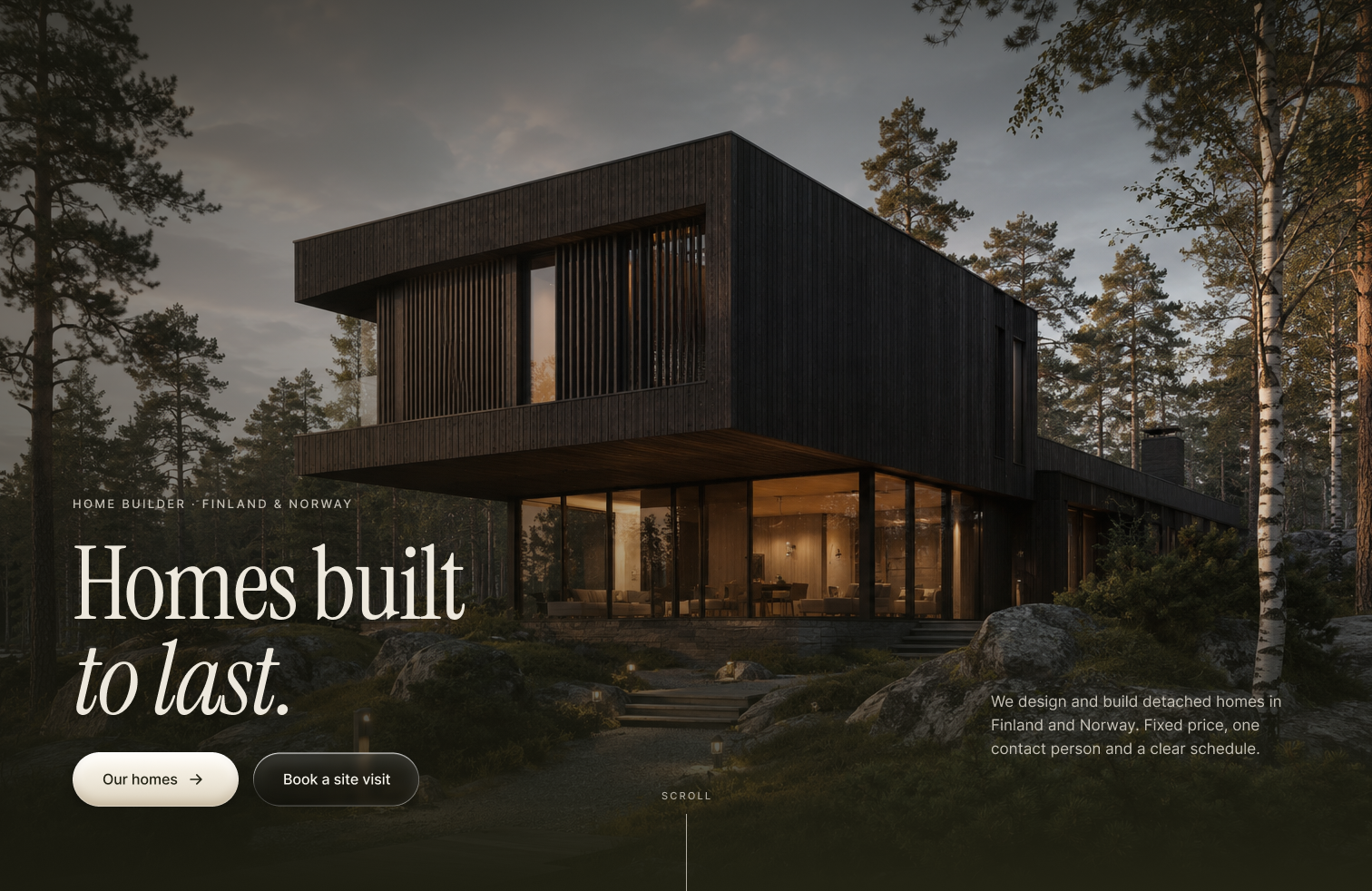
The hero of Kallio Builds, a hypothetical Nordic home builder site I designed with Claude and ChatGPT: a dark timber house glowing in a pine forest at dusk.
Tool by tool
Claude
An AI assistant that can also work inside other tools. I connected it to Figma, FigJam and Slack.
01
Purpose
I use Claude almost every day, for school, ideas and design. Here I connected it to Figma, FigJam and Slack, and built Kallio Builds with it.
02
Prompts I used
I wrote what I wanted in my own words, often long and in Finnish and English. Then I tested it in the prototype, sent screenshots and asked for changes until it felt right. Read the full prompt below.
03
The result
Kallio Builds is a hypothetical project: a website for a Nordic home builder in Finland and Norway, with house models, services and a four-step building process. I decided the content, the look and every change, Claude did the building. It was my favourite – I loved exploring it.
04
What I learned
Clear prompts work best, and everything needs checking. Sometimes it added things that weren’t true, so I had to correct them.

ChatGPT
A chat-based AI that can also create images from a text description.
01
Purpose
I made the visuals for Kallio Builds with ChatGPT: the houses, the forest and the interiors.
02
Prompts I used
Long, detailed prompts: what the house looks like, the light, the colours and the mood. Read the full prompt below.
03
The result
Dark, calm Nordic images that fit the site. I picked the ones that worked best.
04
What I learned
The more specific the prompt, the closer the result. Small changes in wording changed the whole image.
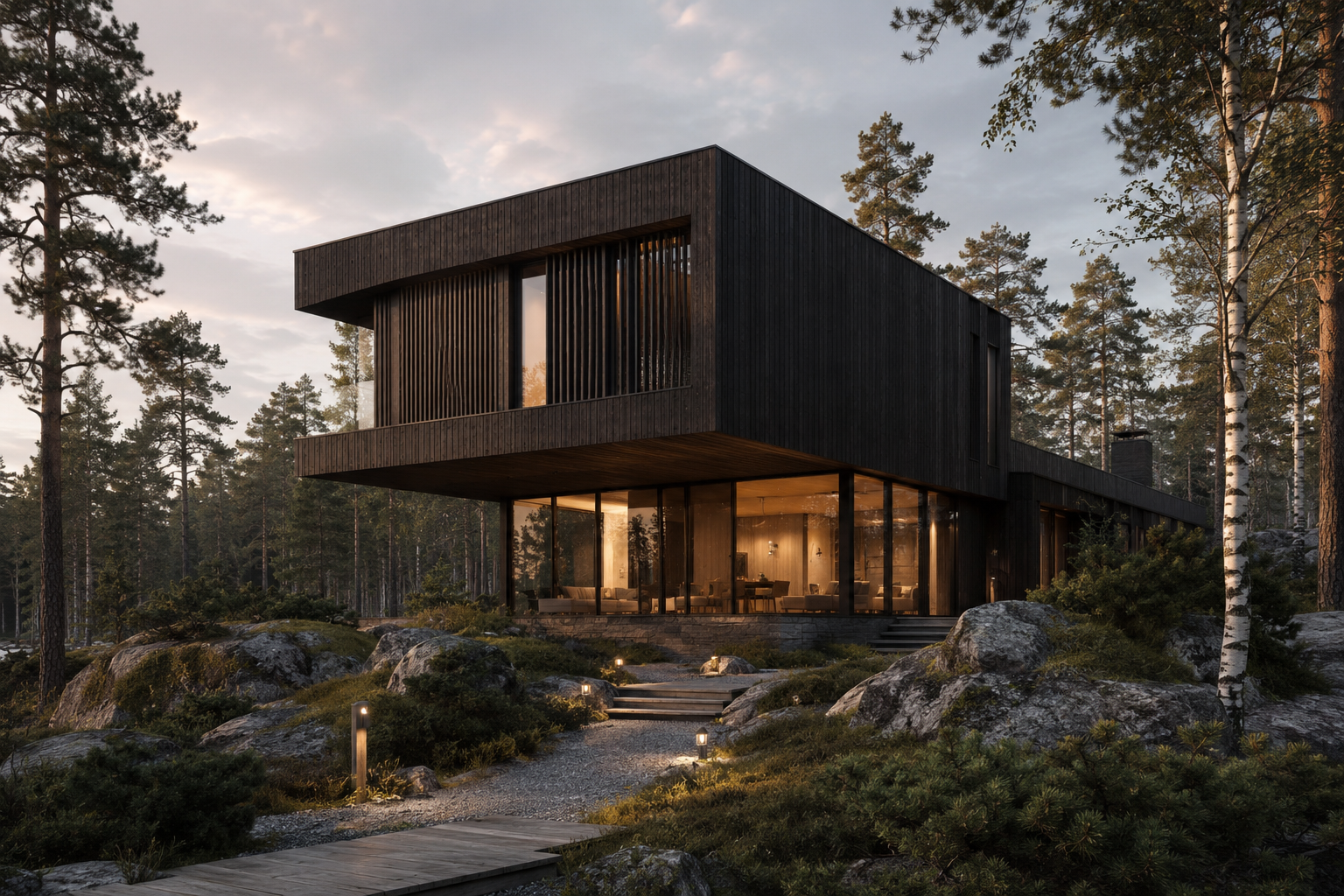
Pic 1
Dark timber house in a pine forest
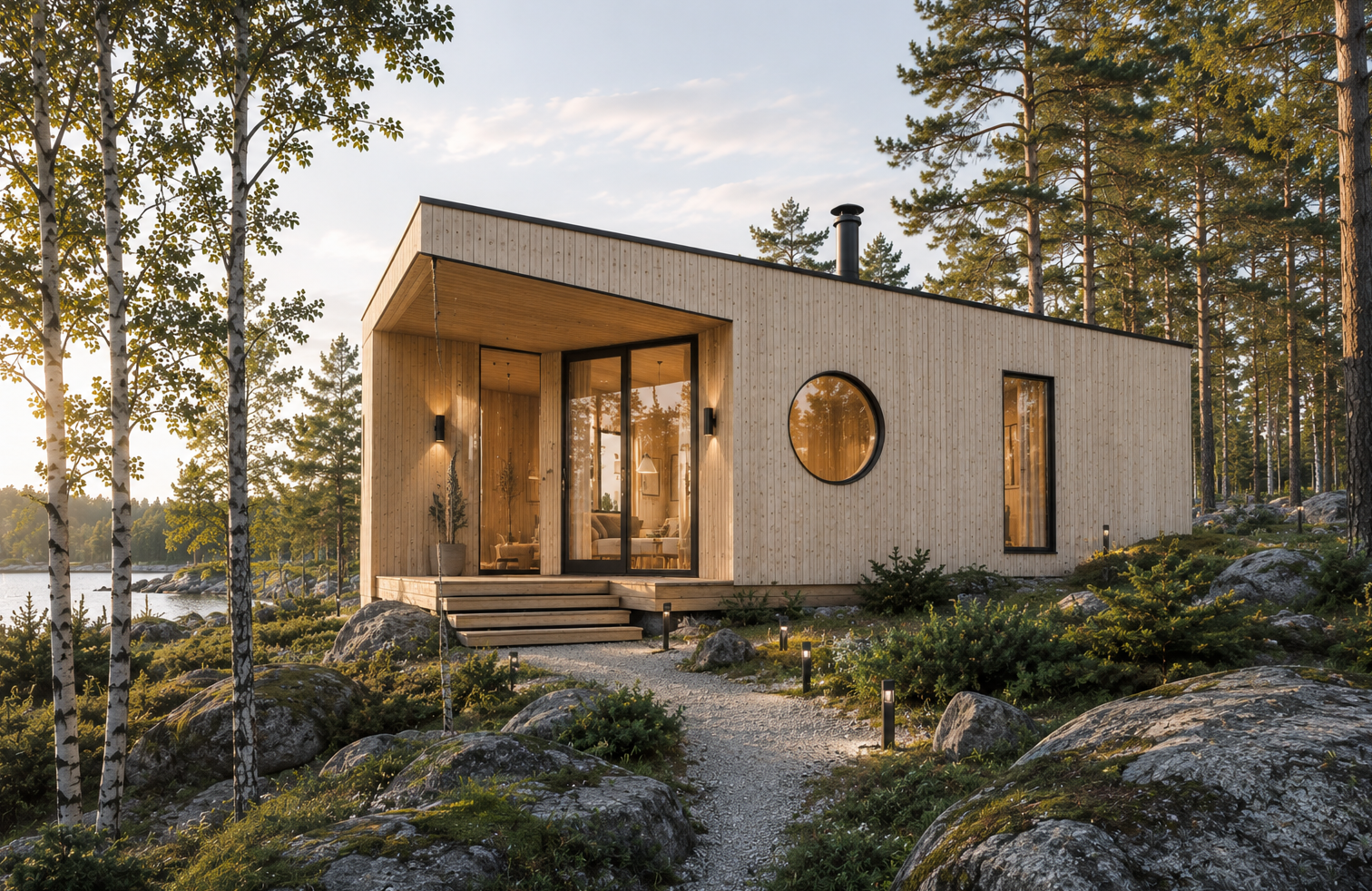
Pic 2
Light wooden cabin at dusk
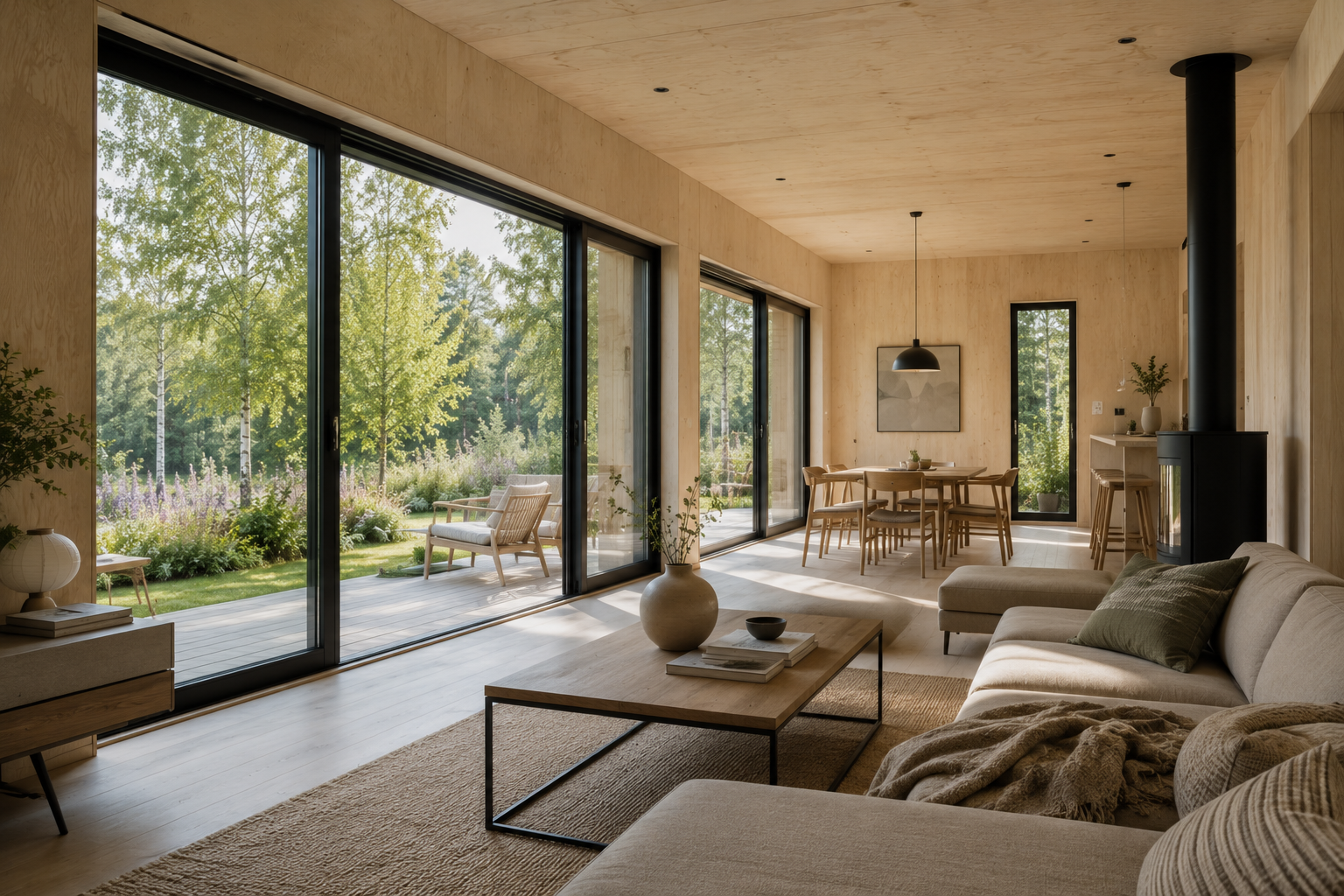
Pic 3
Living room with a forest view
Made with ChatGPT for Kallio Builds. You can read the prompt behind each picture in the prompt window – I refer to them as Pic 1, Pic 2 and Pic 3.
+
Where AI helps a designer
Getting started faster, structuring ideas, explaining tools, and doing repetitive work in Figma so I can focus on the design.
–
Where it needs care
It can sound generic and sometimes gets facts wrong. Everything needs checking, and I never share private or work data with it.
Prompt → result → my own edit. The last step is always mine.

Contact
Let’s make something people notice.
juliahimanen.ux@gmail.com
© 2026 Julia Himanen · Designed and built in Figma
Julia Himanen
01
Project Management
02
Figma
03
Figma Motion
04
After Effects
05
Wix
06
WordPress
07
AI Tools
All work →

Work
Home
About
Contact


